*What* do you need to maintain on your WordPress site? | 9 Areas to not overlook
Learn what areas on your WordPress site you need to maintain routinely to keep your site healthy, secure, and efficient.
Learn what areas on your WordPress site you need to maintain routinely to keep your site healthy, secure, and efficient.

When you keep your WordPress site secure, it becomes healthier. It’s leaner, runs faster, and needs fewer resources (and less electricity)!
The first thing to understand is the nature of the platform and why it needs much attention when it comes to cybersecurity. And second, what to do about it.

One type of web service I offer is WordPress web support. Each week I’ll back up the client’s website, update tools, and optimize the sites. All operations mostly take under 30 minutes if there are no issues.
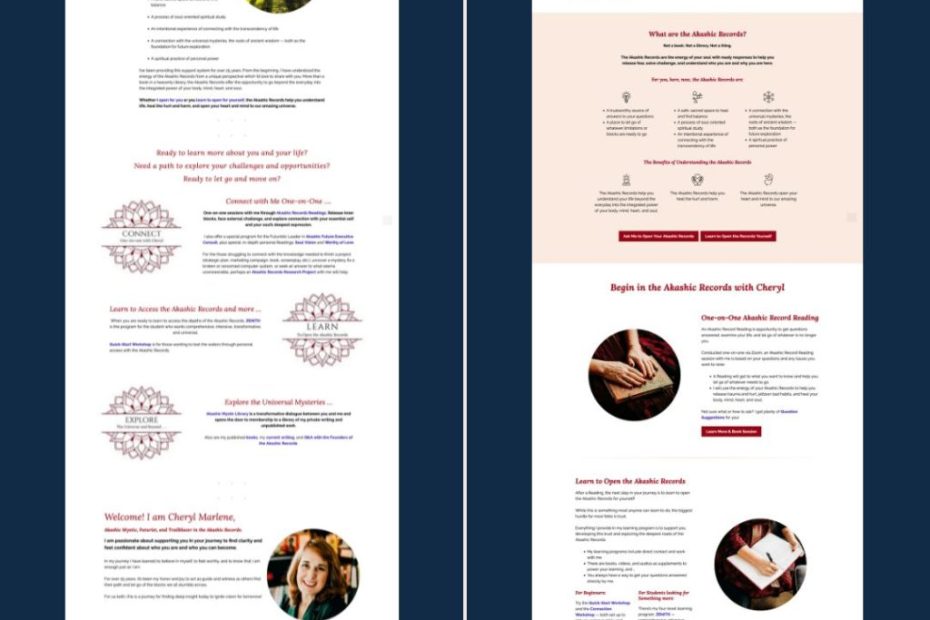
Though I’m still far from being a WordPress wizard, I felt confident enough to lead the process. My confidence was based on my experience, research, and structured troubleshooting steps.
A lot of what holds me back is fear. Fear of putting myself out there and making mistakes. This fear leads to no actions and keeps me in my comfort zone; the zone where new ideas, solutions, and opportunities expire.

The entire book is about how to adopt the “Don’t make me think” approach to web design. In other words, how to design a website so simple your users don’t need to think when they use it.
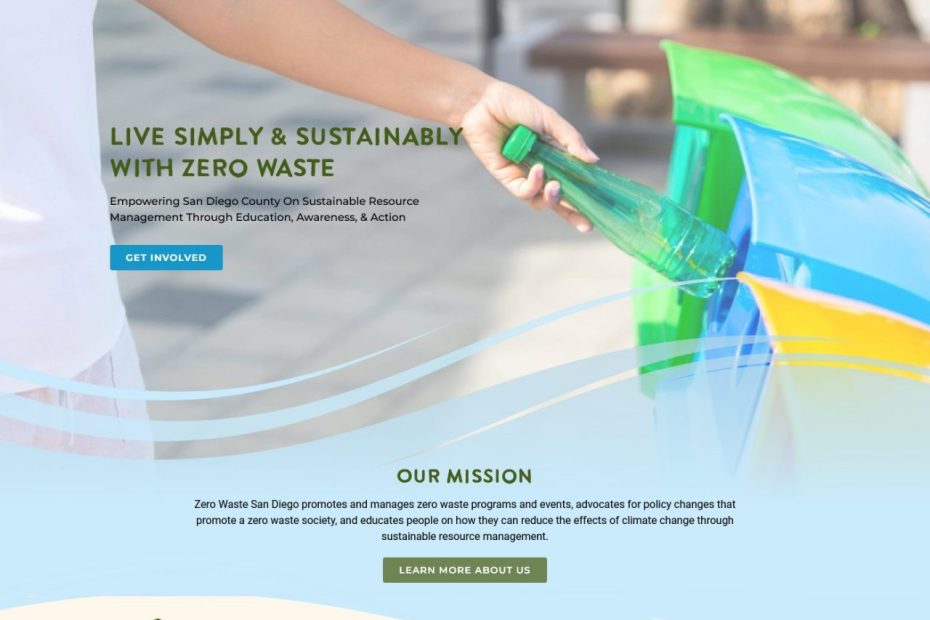
After we used the newly designed website for a while, the experience wasn’t as smooth as I wanted, nor was it for the client.
To reduce the risks of cyber crimes, it’s time to be aware of WordPress’s common cyber attacks and ways to prevent them.
My second web development project (as a small biz owner) is building the Zero Waste San Diego (ZWSD) website. This marks the second project I’ve… Read More »I gave my client a wrong error analysis and wasted everyone’s time